
Log food without searching
MAXIMUM Workouts recognizes a meal by photo and estimates calories and macros, which you review and adjust before applying. If you prefer typing, describe the meal in one sentence. Barcode scanner and label scan fetch product values, and recipes from Instagram, TikTok, YouTube or recipe websites land in the recipe book via the share function.


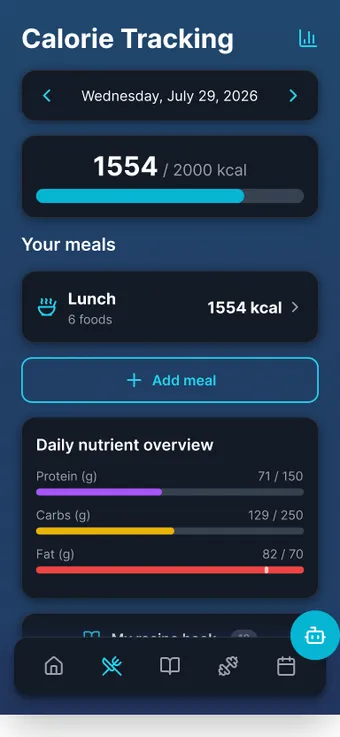
What it does
- Photo with a reference
- A photo from above with cutlery as a size reference, optionally a second one from another angle and the name of the dish. Then “Start analysis”.
- An estimate you review
- The result appears under “Estimated nutrition” with an ingredient list. Add, trim, correct, then set portions and apply.
- Free text in one sentence
- “Two eggs and a whole-grain roll” becomes entries. Brand products are looked up, without a match the entry carries the note “AI estimate”.
- Barcode scanner
- First Open Food Facts, then the community database of the app. Unknown products are created with “Add now”.
- Scan the nutrition label
- When creating your own product you photograph the label and the values go into the form.
- Recipe import via share
- Share from Instagram, TikTok, YouTube or a recipe website like you would to a contact. The AI reads ingredients, amounts and steps and calculates nutrition per ingredient.
- Recipe book with filters
- High protein, low carb, low fat, under 400 or over 600 kcal. Choose portions when logging dishes, halves included.
- Search without AI
- Your own recipes, your own products, the app database, typo-tolerant. Works without AI quota.
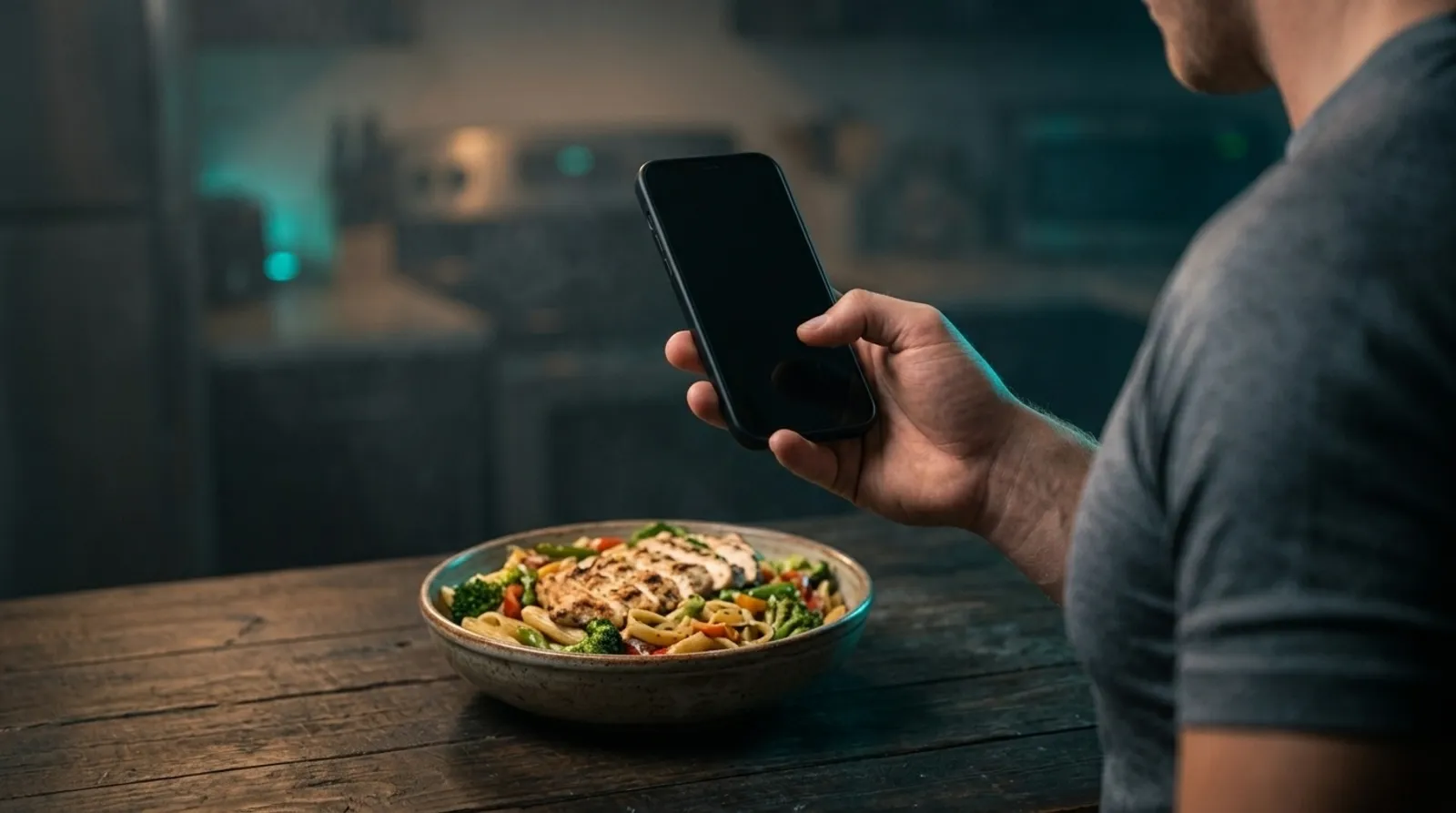 AI-generated scene
 How it works
- 01 Cutlery icon in the bottom bar → tap a meal → “Describe whole meal with AI” → camera icon.
- 02 Photo from above with a reference object, optionally a second photo and the dish name, “Start analysis”.
- 03 Review and correct the ingredient list under “Estimated nutrition”, set “Portions eaten”, apply. If you like, “Save as own dish”.
- 04 Recipe from your feed: Share → MAXIMUM Workouts. The link waits in the import queue, one tap starts the import, “Review recipe” shows everything before saving.
Limits, honestly
What the feature does not do is also in the in-app manual. The key points up front.
- The photo result is explicitly an estimate. The photographed amount counts as one portion, the slider scales it. Photos go to the AI service and are not stored there permanently.
- Everything lands on the day selected in the date bar, photos and free text included.
- With Instagram and TikTok, reading the description sometimes fails. Then you paste the recipe text and tap “Analyze again”. A maximum of ten imports per hour.
- The macro filters in the recipe book apply to the whole recipe, not per portion. Recipes “From the internet” without nutrition data disappear as soon as a filter is active.
- Alcoholic drinks automatically go into alcohol tracking: calories count, macros do not.
Frequently asked questions
How accurate is the calorie estimate by photo?
It is an estimate, and the app says so. A photo from above with cutlery as a reference and a second one from another angle improve the result. Every ingredient can be corrected before applying.
Does recipe import work with websites without video?
Yes. Recipe websites with recipe markup are read directly, otherwise the page description. In the recipe book the button then says “Show recipe” instead of “Watch video”.
What works without AI quota?
Search, barcode scanner, creating products and recipes manually and the entire diary. Photo analysis, free text, label scan and recipe import count toward the quota.
14 days free. No payment details.
Then a monthly cancellable Premium subscription. Your data stays on your device.